Studio shots from the lot
Upload every phone photo of a car and download matching studio photos, ready for the listing.
Get startedDealersLens is made for car dealerships and used car lots. You keep shooting on your phone, and every car in your listings stands in the same studio.
What happens to a photo


- 1
You upload the photos
Every phone photo of one car, up to 40 at once.
- 2
AI moves the car
The model gets your phone shot and the chosen studio, and is told not to change the car: same colour, wheels and plate.
- 3
You get the studio shot
A shadow under the tyres and a light reflection on the floor. 4:3, ready for the listing.
- 4
You download a ZIP
Every photo of the car in one file, numbered after its title.
Every car in one place
Each car gets its own row: photos, status and a one-click ZIP download. While photos are processing you see the progress live.
App screenshot with sample data


The same car, now in a studio
Tap a photo to see the phone shot.Hover a photo to see the original.


One car, three studios
The studio you pick applies to the whole batch, so every photo of that car looks like it came from one shoot.
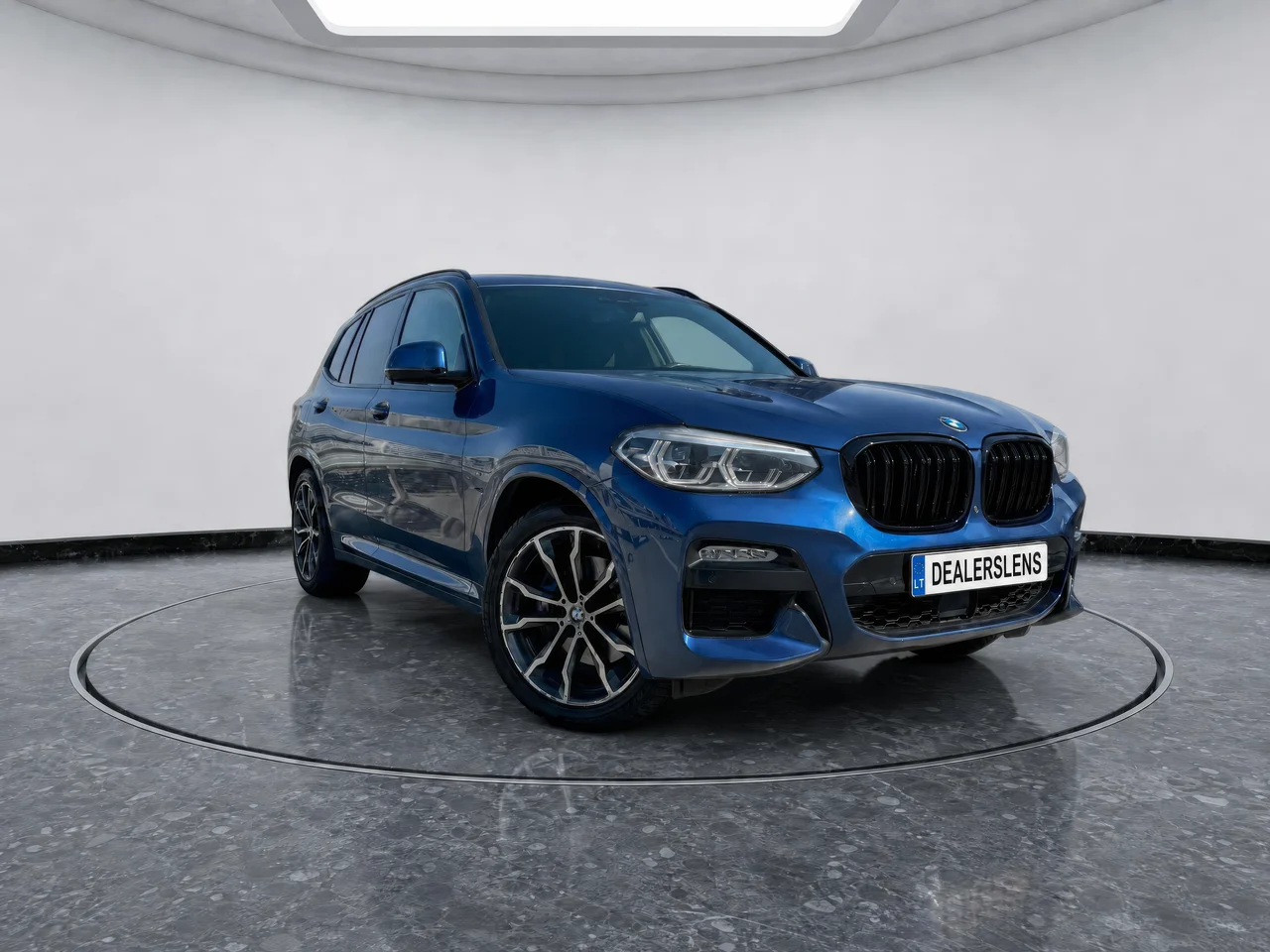
BMW X3 · Round hall
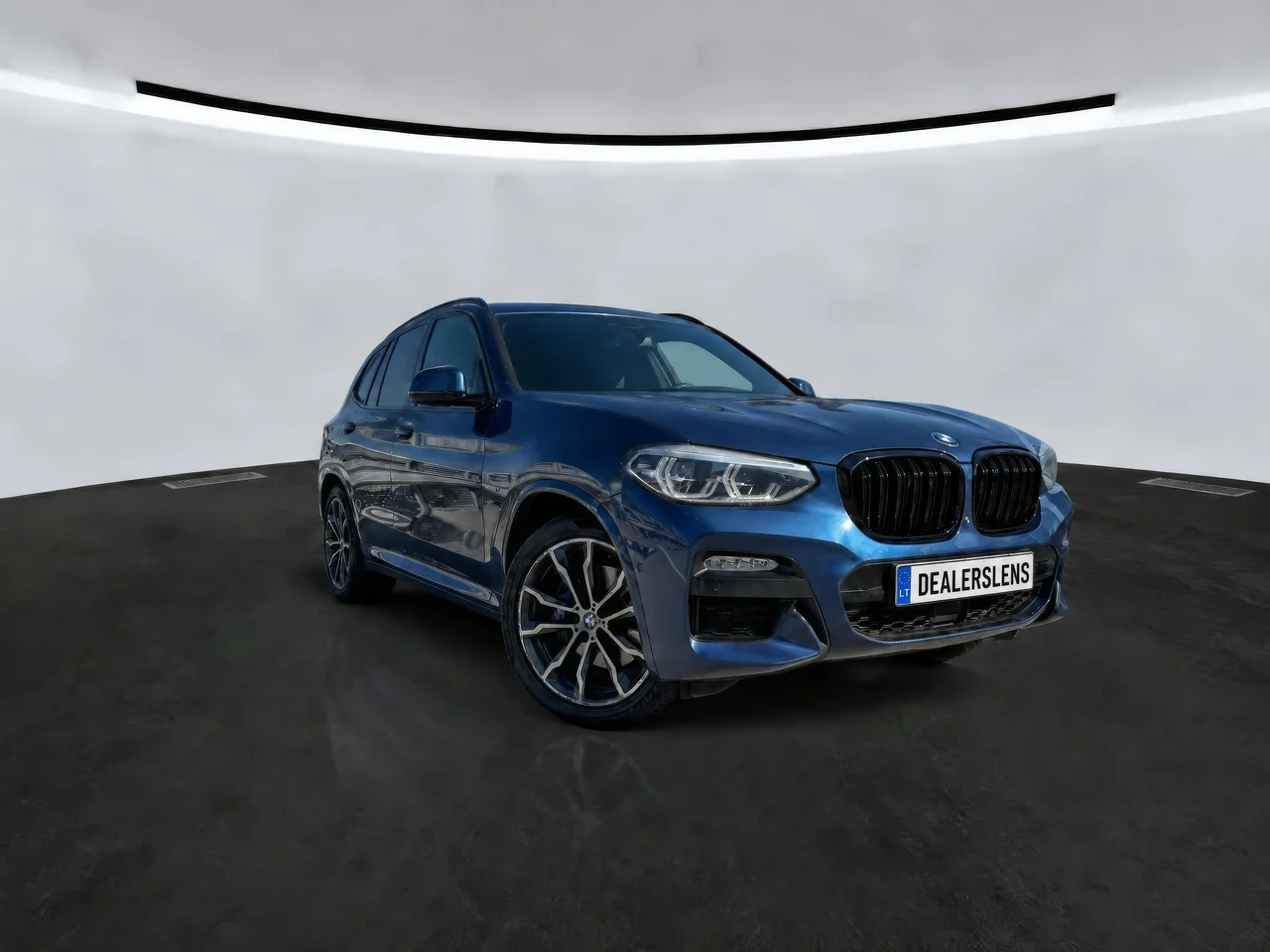
BMW X3 · White wall
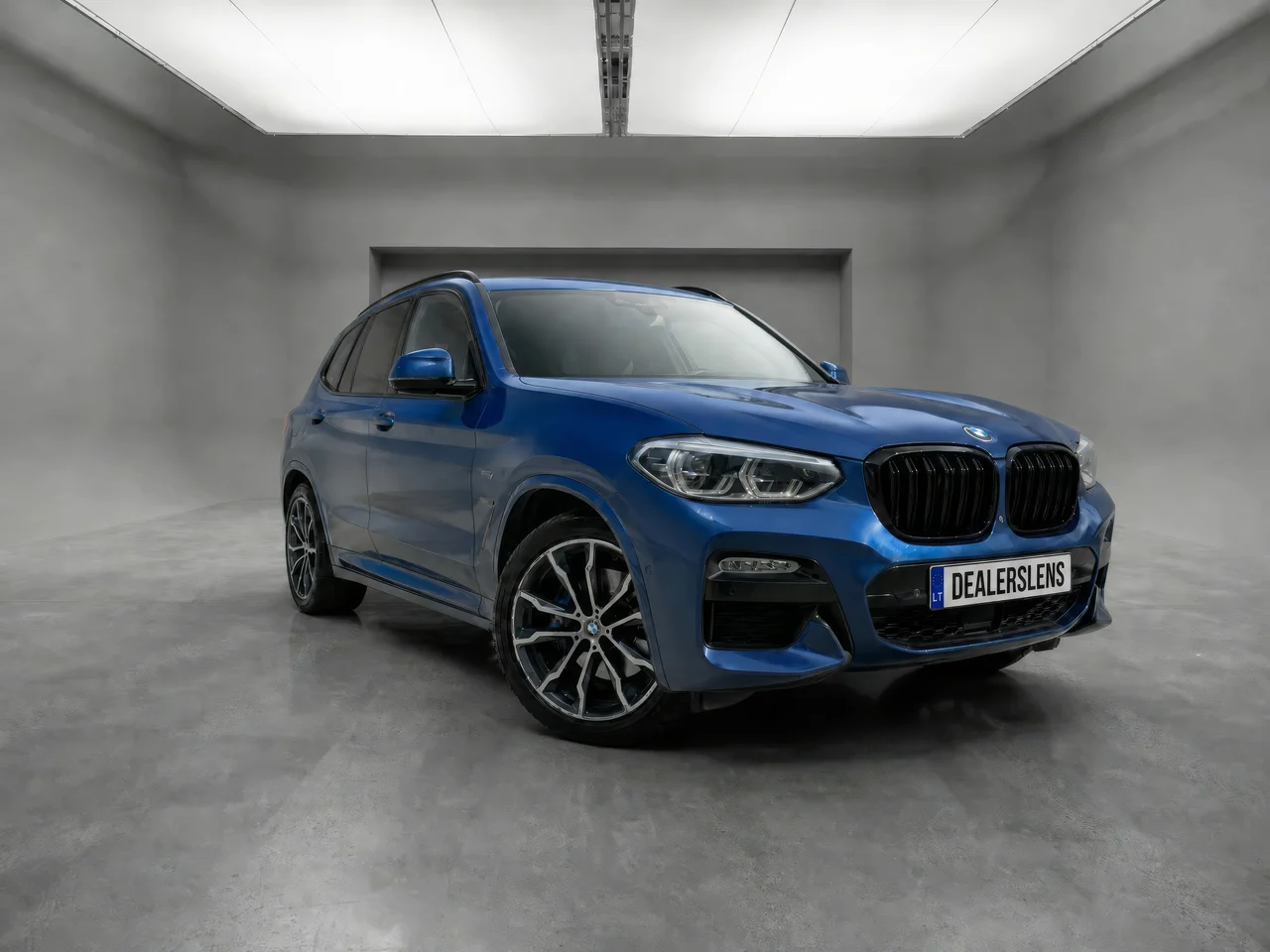
BMW X3 · Grey cyclorama
Price
€0.35per 2880 px studio photo (7 credits)
Without the resolution boost a studio photo costs 5 credits (€0.25). AI scene costs 4 credits (€0.20) with the boost, 2 credits (€0.10) without. You buy credits in your account from 100 at a time and they are valid for 3 months. If a photo fails, its credits come back automatically.
Get startedQuestions
DealersLens is for car dealerships, used car lots and anyone who sells cars and lists them on autoplius.lt or their own website. It turns phone photos into matching studio photos for the listing.
One 2880 px studio photo costs 7 credits, which is €0.35; without the resolution boost it is 5 credits (€0.25). One credit costs €0.05 and you buy credits in your account from 100 at a time (€5). Credits are valid for 3 months from purchase. There is no free trial.
Photos are processed three at a time and you see each one’s progress live. A batch runs in an open browser tab: if you close it, you can continue the unprocessed photos later with the Continue button.
One batch holds up to 40 photos. JPG, PNG and WEBP files work, and iPhone photos uploaded from the phone are converted automatically. Shots that show the whole car work best.
The model is told not to change the car: the make, colour, wheels, badges and licence plate stay the same. AI can still occasionally change a small detail, so check the result before you publish.
Photos are stored on our server in Finland, in the European Union. For processing they are sent to our AI provider fal.ai and the result comes back to our server. You can delete a batch with all its photos at any time.
If processing fails, the credits for that photo are returned automatically. The photo card shows the reason and lets you try again.
Each photo is processed by the GPT Image 2 image model. It receives two images: your phone shot and the chosen studio. The model is told to keep the car exactly as it is: same make, colour, wheels, badges and licence plate, same camera angle. It adds a shadow under the tyres and a subtle reflection on the floor.
The result is a 4:3 JPG at 2880 × 2176 pixels. That comes from the enhance step (Topaz), on by default: it doubles the size and sharpens detail without repainting anything. With enhance off the photo is 1440 × 1088 pixels. AI can occasionally change a small detail, so check the result before you publish.
Besides the studio there are two more modes. AI scene places the car in a showroom, on a street or on a dealership forecourt, and Quality only keeps the background and just improves resolution.

Shoot your next car on your phone
Sign up, buy credits and upload your first car.